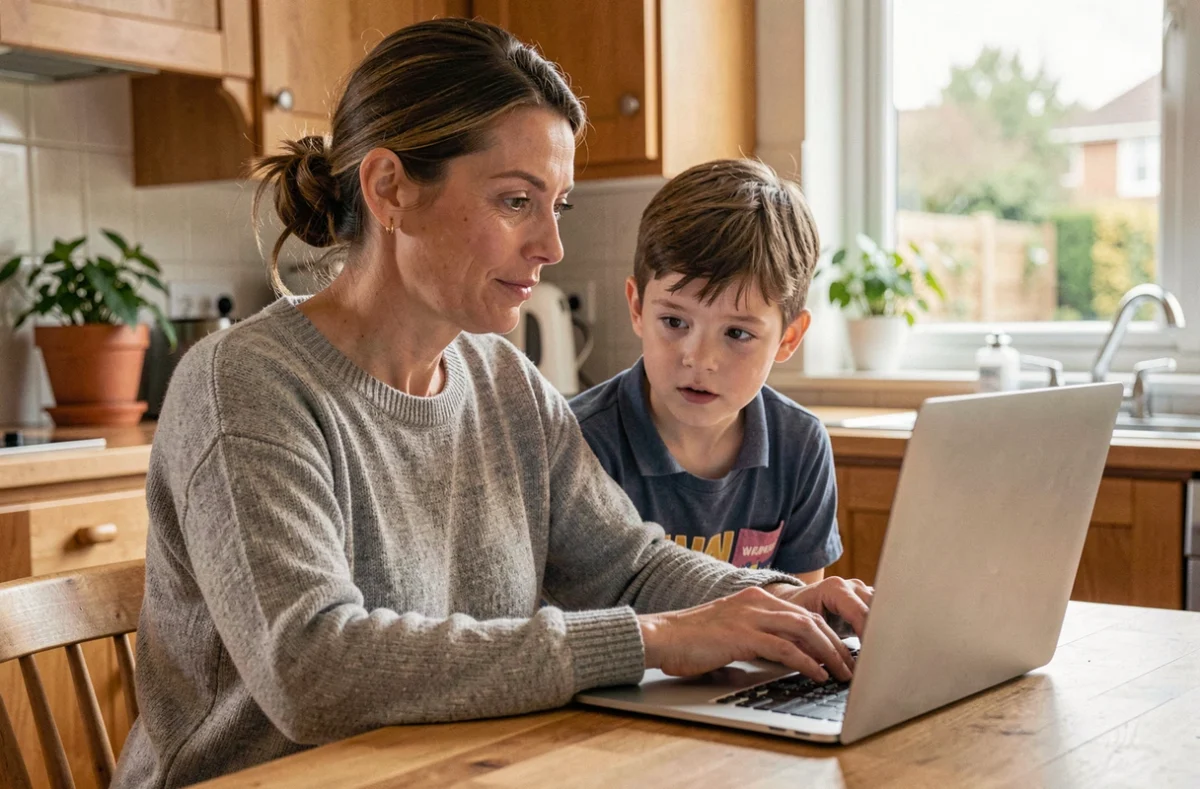
A parent is looking for an educational video for their eight-year-old child and comes across approximate, sponsored, or inappropriate content. This scenario repeats itself every week in most connected households. Finding reliable resources for the whole family online requires knowing where to look, what to check, and how to filter, without spending hours on it.
Parental control and legal obligations: what has changed in France
Since July 13, 2024, every device sold in France must include parental control accessible at no extra cost: smartphones, tablets, computers, consoles, and connected TVs are affected. The obligation is about the presence of the system, not its activation. In practice, it is up to parents to configure it.
It is often observed that parental control is left inactive, either because the activation step is buried in the settings or because one does not know what level of filtering to choose based on age. Before even searching for educational or fun resources, it is better to spend ten minutes activating this filter on each device in the household. This is the first barrier, and it is free.
To centralize family information on Annuaire des Enfants, time is saved by grouping useful links by theme (health, school, leisure) rather than scattering them in the browser history.
Assessing the reliability of an online source before sharing it with the family
The main difficulty is not the lack of content, but the excess. Between a YouTube video that mixes advertising and pedagogy, a blog without an identified author, and a stern institutional site, sorting requires a simple and repeatable method.

Four concrete verification criteria
- Identify the author or publishing organization: an absent or vague “About” page signals an unreliable site. Resources backed by public institutions, recognized associations, or identified professionals provide a more solid foundation.
- Check the publication or update date. A guide on digital security that is three years old is likely outdated, given the rapid evolution of platforms.
- Cross-check the information with at least one other independent source. If a piece of advice does not appear anywhere else, caution is warranted.
- Look for disguised advertising in the content. Sponsored articles are not always clearly marked, especially on parenting blogs.
These criteria can be applied as a family, including with teenagers. It is an exercise in digital citizenship that will serve them well beyond the school setting.
Pix Parents and digital citizenship: a free resource still little known
Since the start of the 2024-2025 school year, schools must inform legal representatives annually on several topics related to digital issues: screen time, cyberbullying, scams, illegal content, and reporting devices. To support this obligation, Pix Parents offers short, free, and accessible courses without registration.
The format is designed for parents who do not have an hour to spare. One answers a few questions, discovers good reflexes, and leaves with concrete benchmarks. Feedback varies on this point, but most families that try Pix Parents appreciate the straightforwardness, without technical jargon.
Beyond social networks: online games and chatbots
Recent European guidelines on child protection are no longer limited to social networks. Online games and conversational assistants are now part of the scope to be secured. This means that family guides must cover the risks associated with generative AI, interactions with strangers in multiplayer games, and in-app purchases.
A child who chats with a chatbot or accepts an exchange in an online game is exposed to situations that traditional parental control may not always detect. The useful reflex: regularly check installed applications and discuss usage rather than relying solely on automatic filtering.

Parent’s screen time: an often-overlooked angle in family resources
There is much talk about children’s screen time, but rarely about that of adults. A French study relayed by the Collectif PLAY analyzes the impacts of digital technology on all household members. The parent’s screen poses a family risk that is still under-addressed in most guides available online.
When one spends the evening glued to a phone, the message sent to children contradicts the rules one tries to impose. The most useful resources are those that propose collective commitments, not unilateral prohibitions.
Organizing family monitoring without dedicating too much time
Rather than searching for resources on a case-by-case basis, one can set up a light routine:
- Choose two or three trusted sources (an institutional site, a thematic directory, a specialized association) and consult them once a month.
- Create a shared favorites folder in the family browser, accessible to all household members.
- Set aside a monthly time to review new applications used by the children and check their reliability together.
This type of routine works better than constant surveillance. It empowers each family member and transforms the search for reliable resources into a habit, not a chore.
The family digital landscape is evolving rapidly, between recent legal obligations and new uses related to AI. Families that fare best are not those that filter everything, but those that verify together.